Know what you own, where you packed it, and what arrived.
Nido's second pillar — a full moving and packing assistant that lives in the same app as your shopping plan. One toggle flips the dashboard between Shopping and Moving; your list and your inventory stay connected.
One app, two modes · installs to your home screen
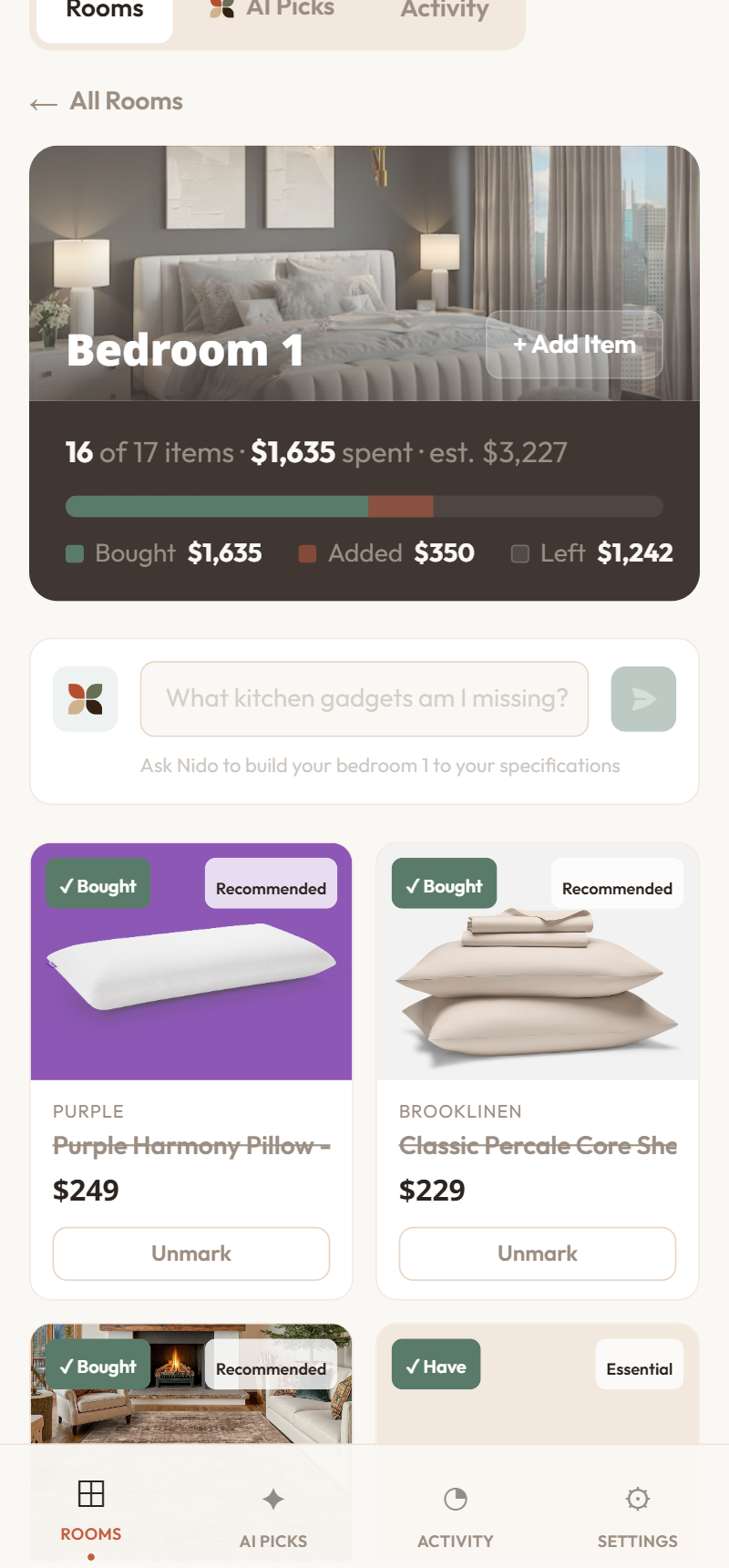
Same app, behind a toggle. Own something? It's checked off your shopping list and the budget updates. Answer three questions: what do I have, where did I pack it, and what still needs packing or arrived?
What you get
Everything a move actually needs
One connected system for what you own, how you pack it, and where it all lands.
Item Scanner
Photograph anything you own and Nido identifies it — brand, model, and estimated value — then checks it off your shopping list and frees the budget.
Bin Tracker
Label boxes with printable QR codes and short 5-character serials. Scan from any phone to see what's inside — no account needed.
Live Pack
Keep the camera running while you pack and Nido logs items as they drop in — auto or tap mode, with quality hints and a quick undo.
Move Day
Track every bin from packing to unpacked, advance them all with a single tap, and mark each item fine, damaged, or lost on arrival.
One app, two modes
A single toggle flips the dashboard between Shopping and Moving. Own something and it comes off your list — your budget updates itself.
Works offline
Photos and frames queue when you're offline and process the moment you're back — nothing's lost in a spotty, half-unpacked new place.

Every box accounted for — no mystery, no panic.
Scan what you own, label the boxes, and watch each one travel from sealed to unpacked. When the truck pulls up, you already know what's inside.
Photograph what you own — Nido catalogs it.
A real in-app camera viewfinder that identifies an item from a photo — brand, model, and an estimated value. Cataloging something you own checks it off your shopping list and frees that budget.
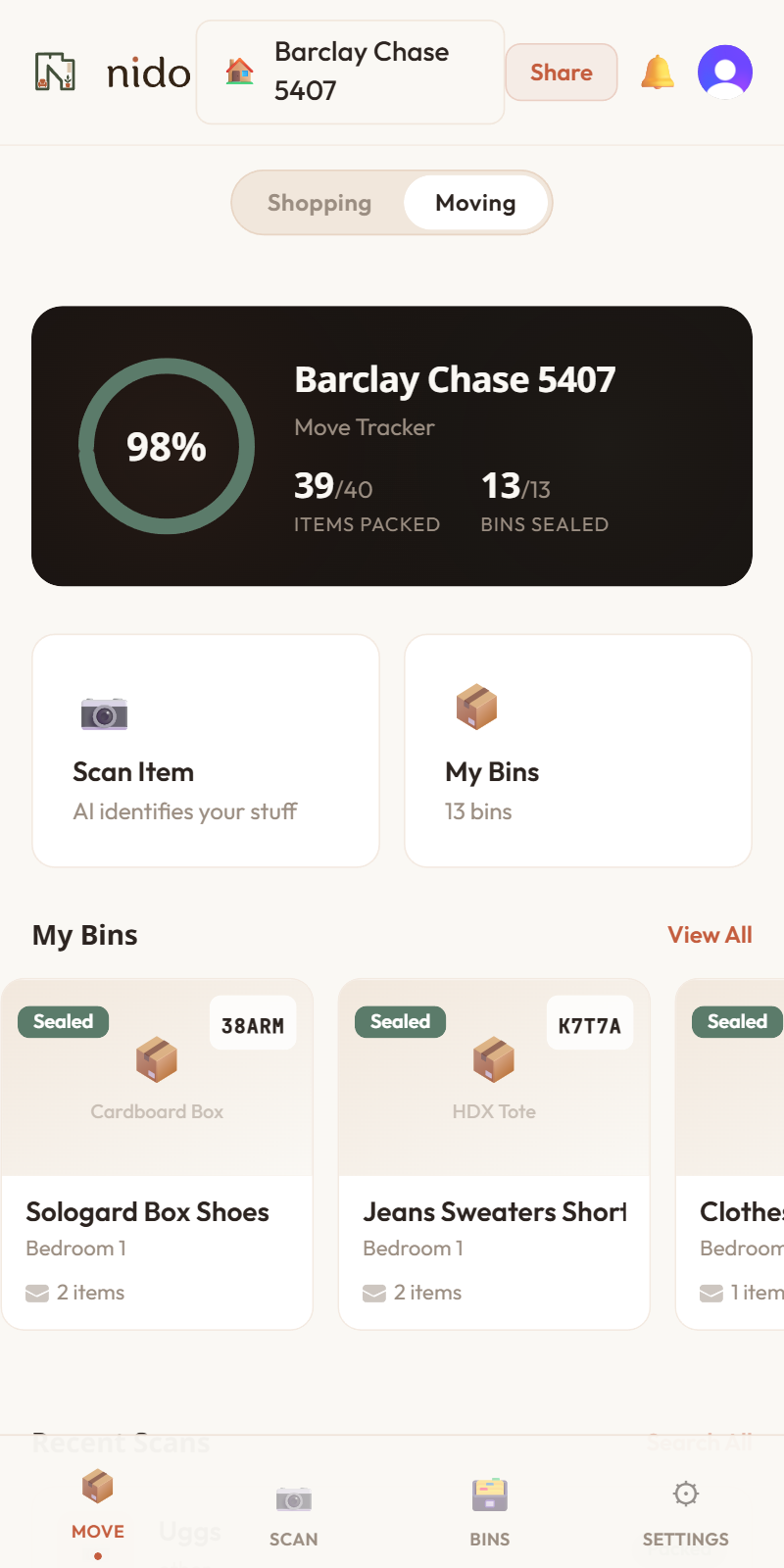
Label a box once; find anything in it forever.
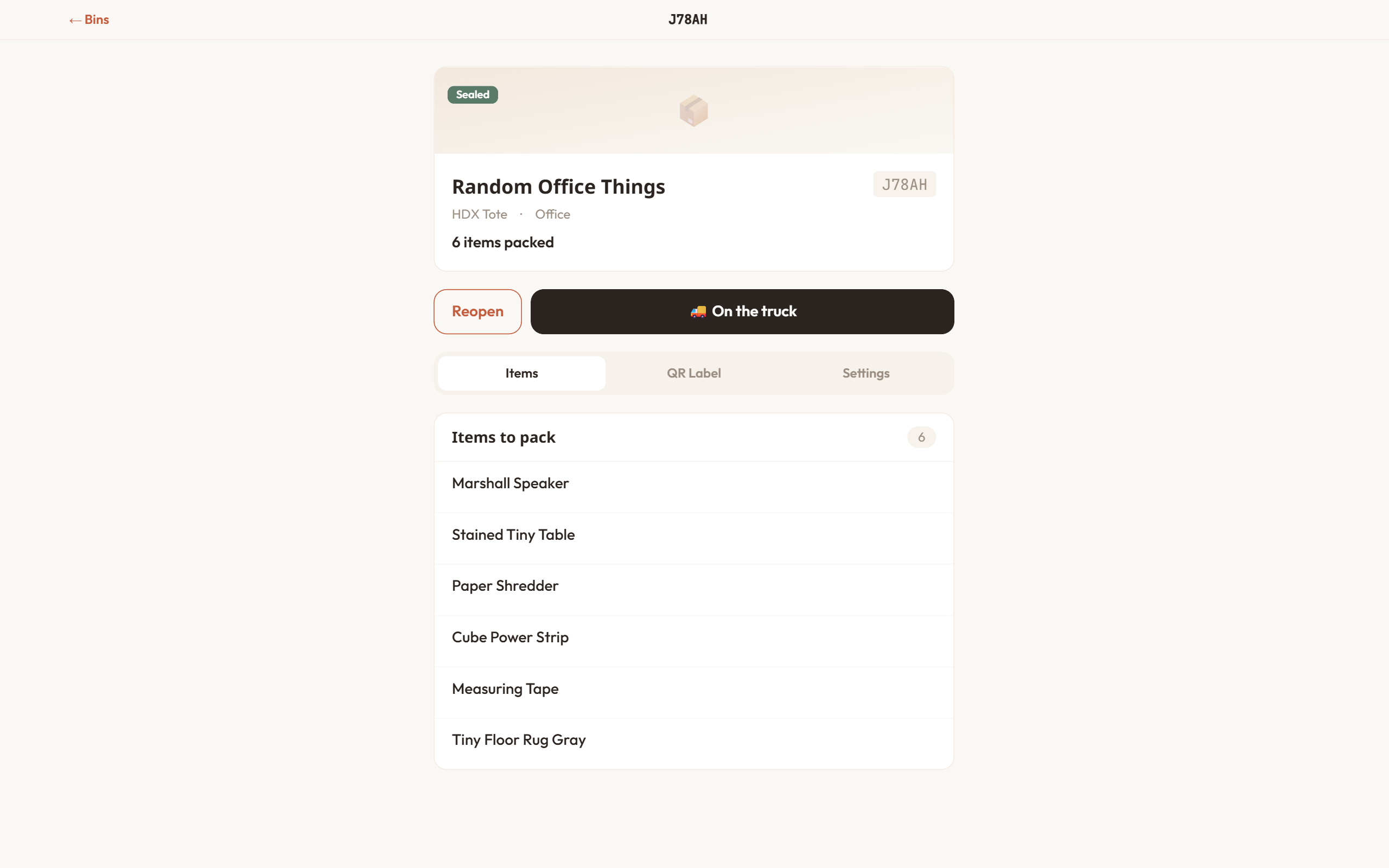
Create bins with printable QR codes and short 5-character serials, then photograph a whole bin from above and Nido lists what's inside. Scan the QR from any phone to see the contents — no account needed.
Keep the camera running; Nido logs items as you pack.
Point at the box and Nido captures items as you drop them in — auto or tap mode. It pauses when nothing's moving, asks when unsure, offers +1 for repeats, and a quick Undo.
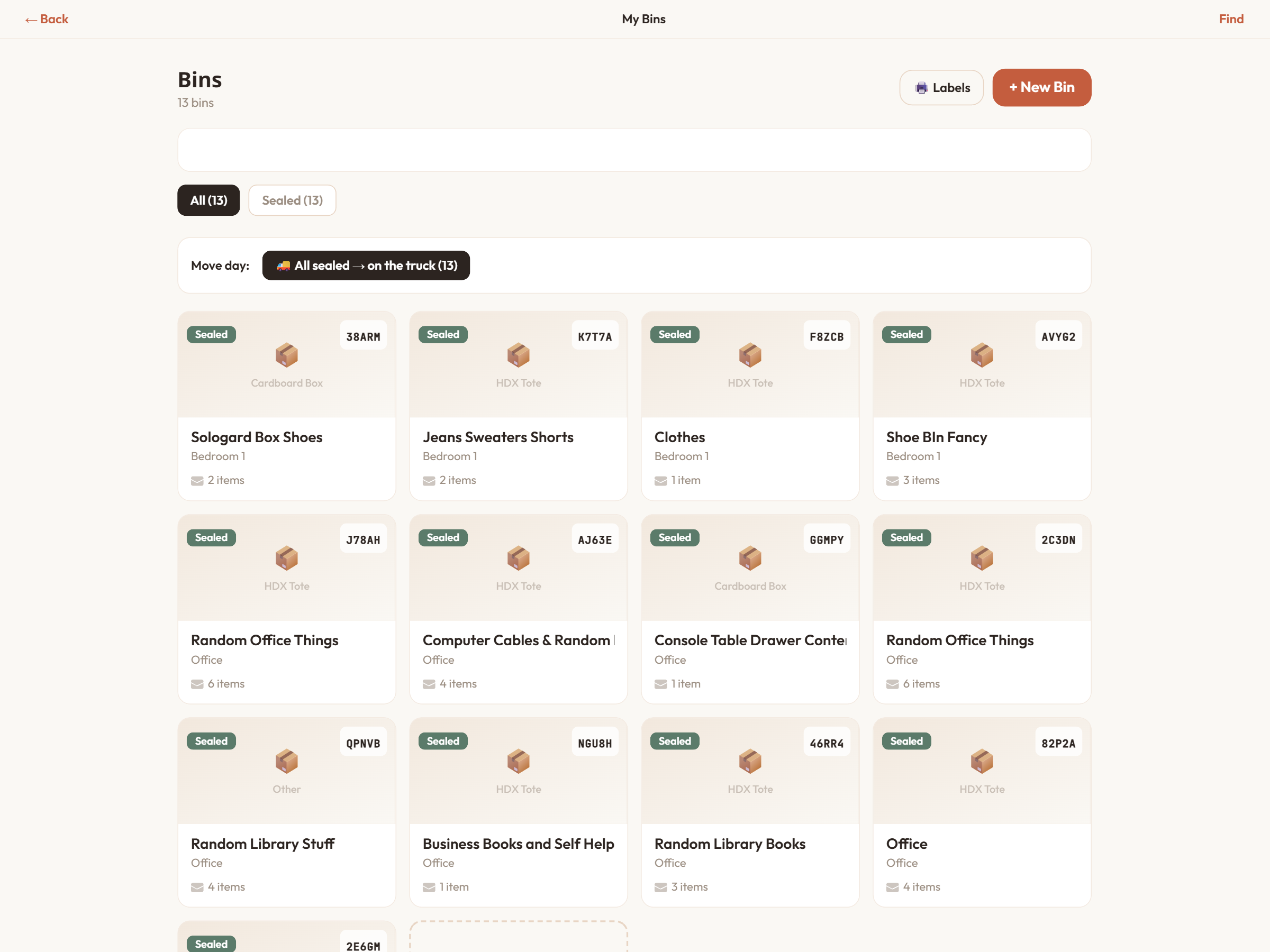
Track every bin from sealed to unpacked.
Move each bin through its lifecycle — packing, sealed, in transit, delivered, unpacked — one tap can advance them all. On the other end, mark each item fine, damaged, or lost.
Three steps
The whole move, visible
Most moves are a chaos of unlabeled boxes. Nido turns it into something you can see and search.
Scan what you own
Catalog your things with the camera — brand, model, value — and check them off your list.
Pack into labeled bins
QR-label boxes and let Live Pack log contents as you go, so nothing's a mystery later.
Track every box home
Watch bins move from sealed to unpacked, and flag anything that arrived damaged.
Questions